A European, cutting-edge solution, neither American nor lagging behind!
Wherever you need it, AI is there!
A
WCAG

Conforme par design. Conformité automatique et sans effort. Utiliser les contenus accessibles (WCAG).
B
NVDA

NVDA, l’essentiel. Lecteur d’écran open-source pour Windows : voix, navigation 100% clavier.
C
VOICEOVER

VoiceOver, integrated. Native screen reader on iPhone, iPad, Mac. A11y and description.
✱
AI

Generation of all modules, all details and scripting. Sources, prompt, text, image, audio gen.
✱
Gamification

Separator, key, lock, countdown timer. Challenge, structure the modules and deploy your rules.
✱
Kinesthesia
Multi-mode browsing. List, patchwork, slider, timeline, 3D view (orbit/tilt).
01
History
Interactive stories ready to publish. Animated text, explanatory modules, contextual image.
02
Image sequence

Ready-to-use interactive galleries. List navigation, mosaic, 3D. Multi-format patchworks.
03
Podcast

Centralize everything, listen to everything. Multi-audio with varied and intuitive navigation.
04
Iframe
Integrate your content with one click from UBICAST, IOGA, Genially... Played in full screen as a stage in the story.
05
Video Sequence
Multi-source video. Upload your videos, sequences, links: YouTube, Vimeo... Multiple navigation.
06
Logo

Immediate impact. Animated logo that appears wherever you want in the module. Full-screen function.
07
Scorm

External SCORM files directly in your learning path. Integrated in full-screen activities.
08
Indication
Train and assess. Multiple formats, hints before quizzes, enhanced feedback. Integrated split screen.
09
Glossary
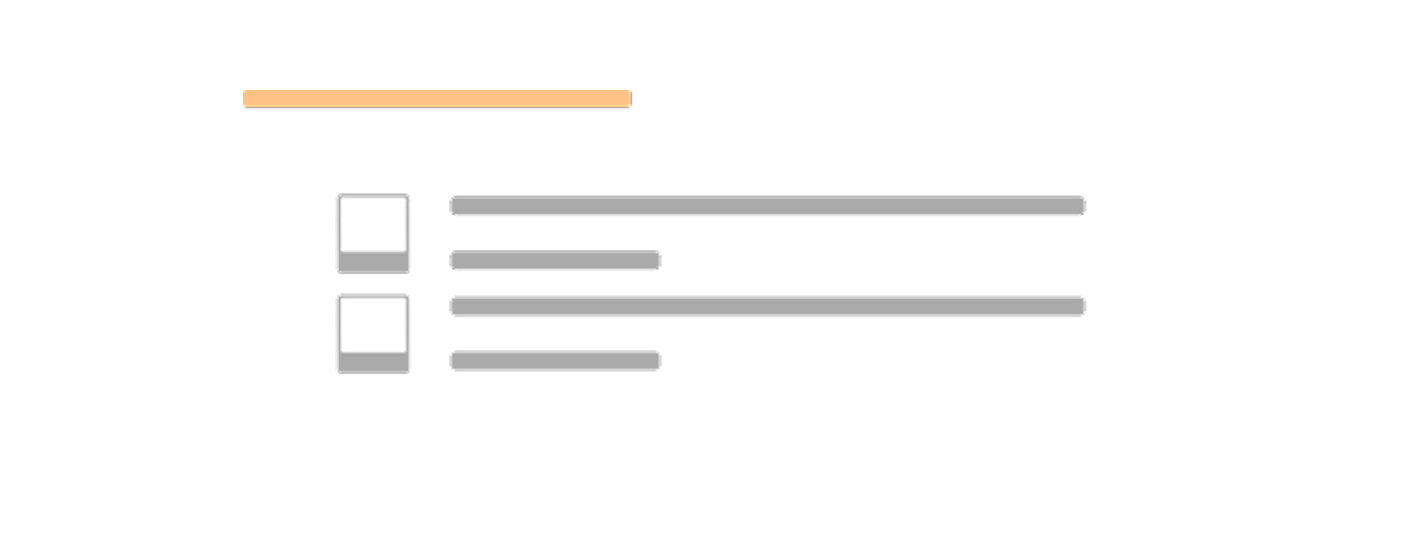
Auto glossary. Your RichText definitions in an accessible list, wherever you want.
10
Enhanced text
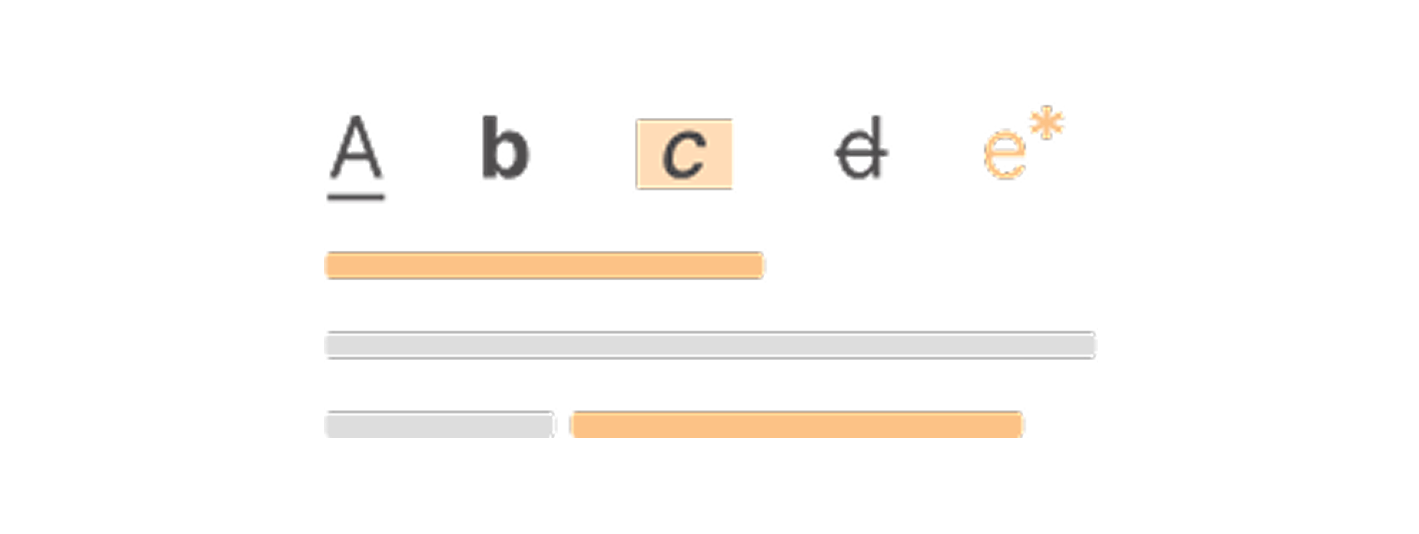
AI-enhanced text. Animate and add multimedia definitions. Integrated media library.
11
Branching
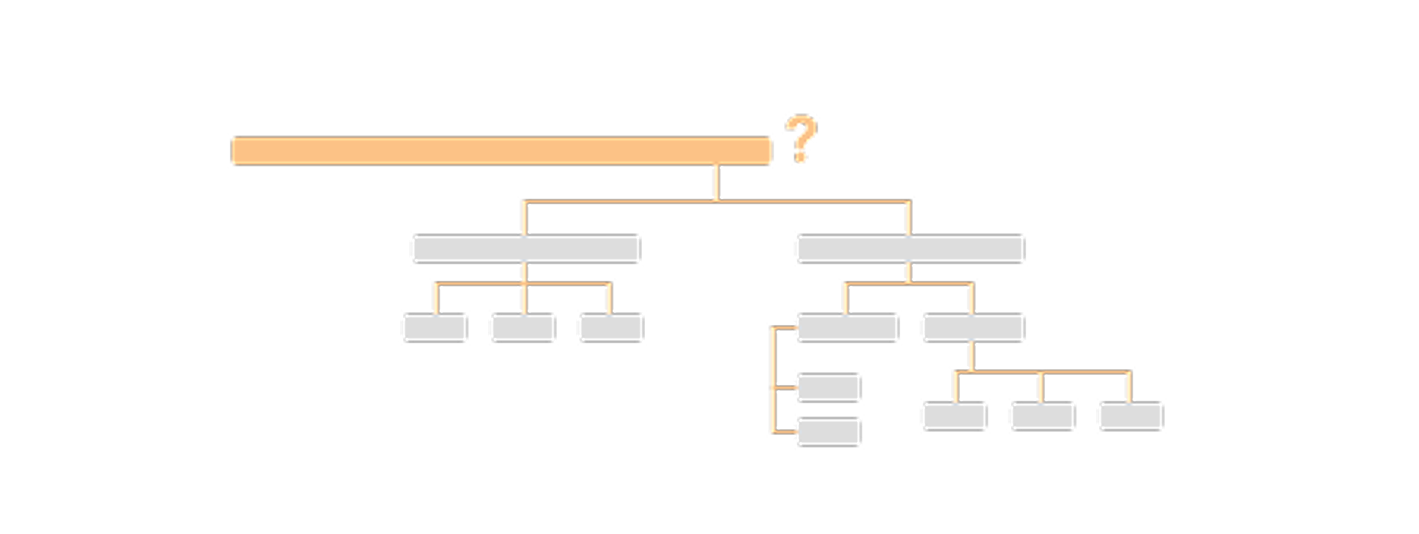
Decision logic. Multiple cumulative outputs: text, audio, image, and video responses.
12
Key text
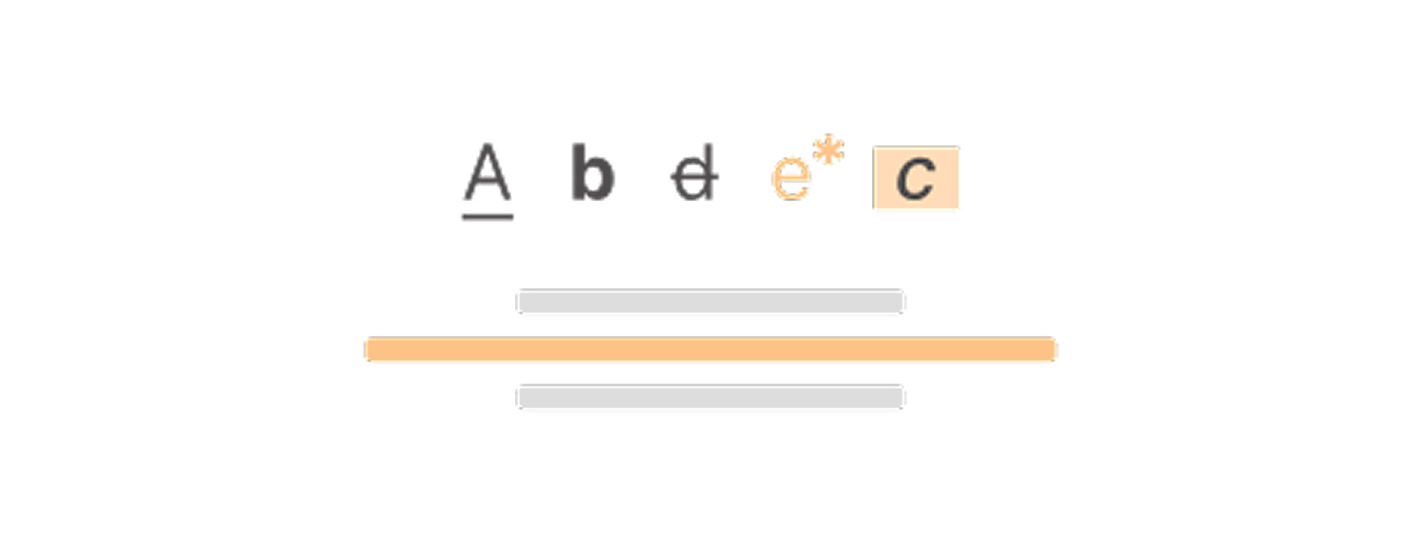
Focus on the title. Dedicated screens, smooth navigation. Carousel presentation.
13
Random
Modular assessments. Question sequences, multiple wordings, multimedia.
14
Point of interest

Visual learning. Exploration through points of interest, on-demand content and multimedia.
15
Alternative cards
Adaptive assessment in map format. Text, audio, image, video content. Possible list.
16
Survey

Measure and improve. Star or slider ratings in your courses.
17
Resource

Additional resources. Import PPT, docs, sheets, audio, images, videos, downloadable files.
18
Image quiz
Image quiz. Single choice, multiple choice, multiple navigation. Integrated media library.
19
Sorting
Sort to evaluate. Multi-format rankings. Integrated media library.
20
Matching
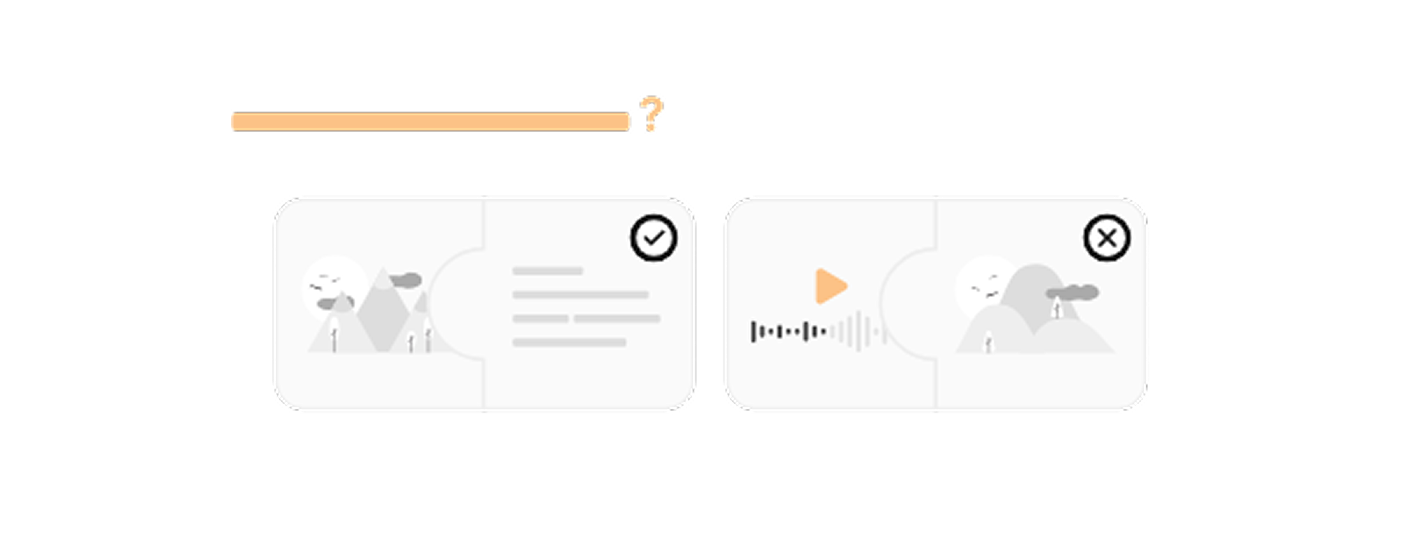
Match, validate. Pairs in text, sound, image, video. Integrated media library.
21
Key point
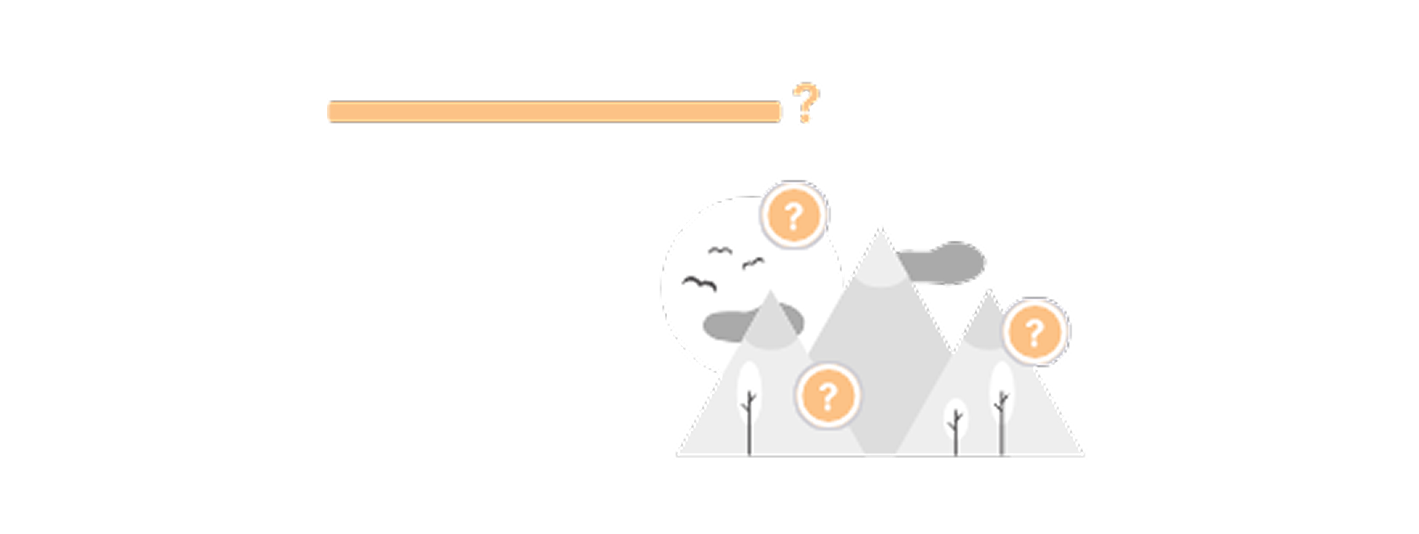
Identify and respond. Assessment via clickable areas, multimedia feedback.
22
Audio quiz
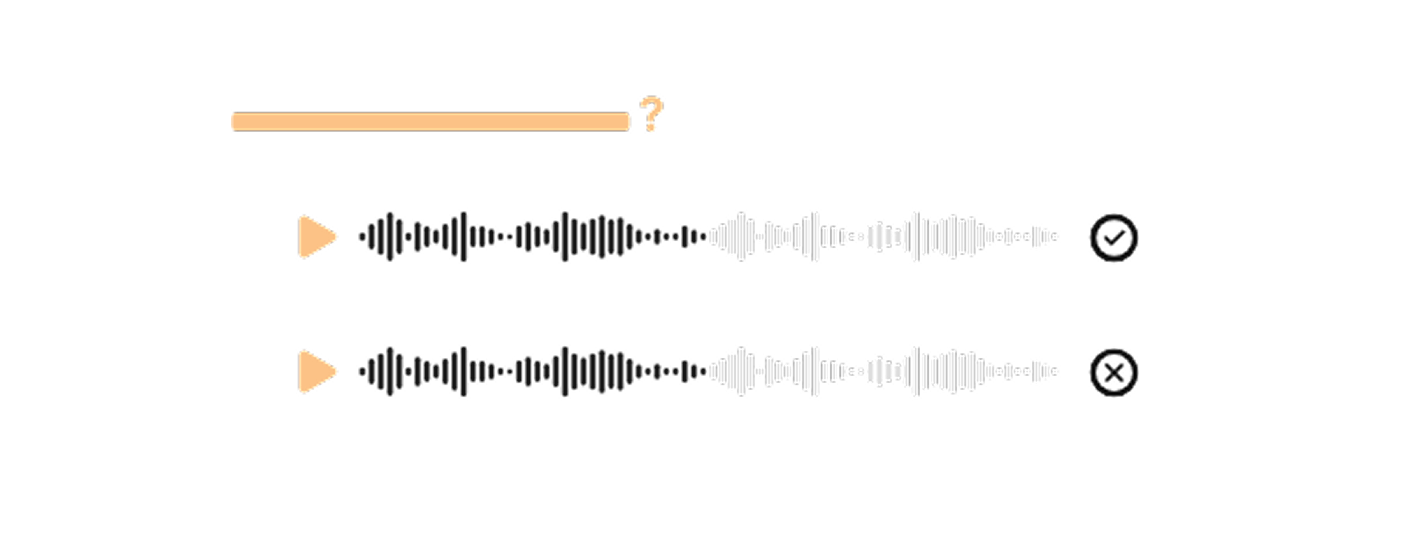
Listen, answer. Audio questions with flexible navigation. List, patchwork, carousel, 3D.
23
Text quiz
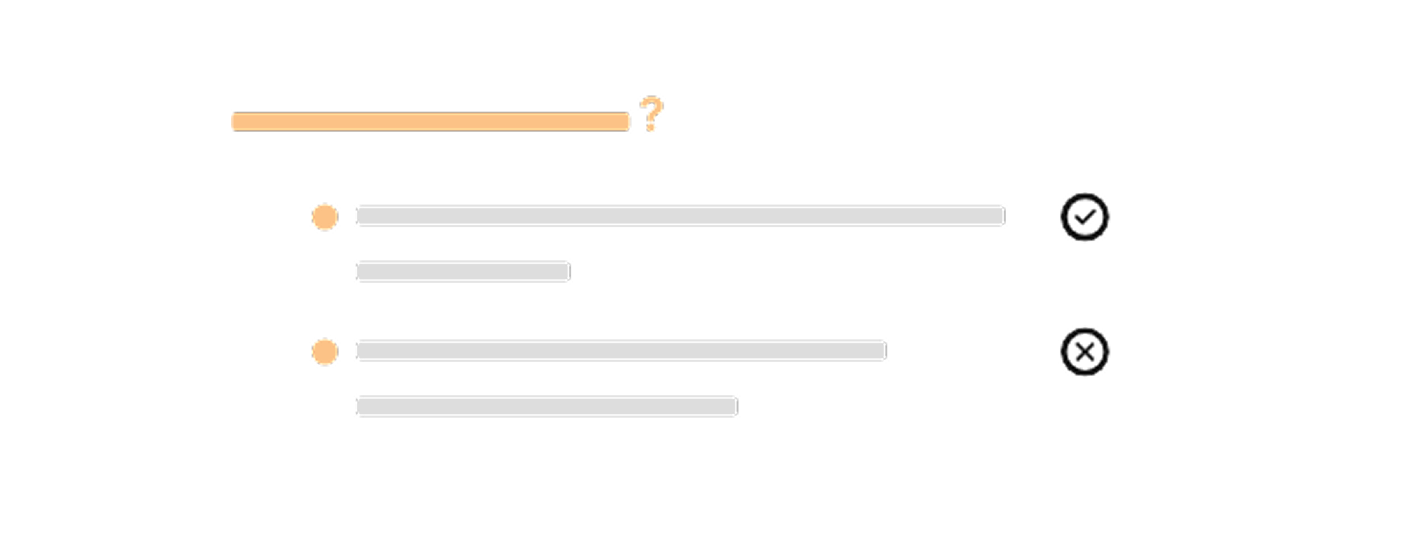
Clear and effective. Single/multiple text questions, dynamic staging.
24
RichText
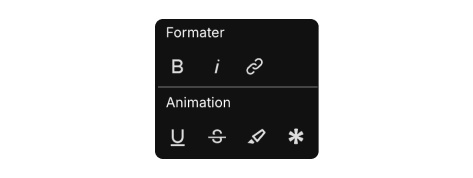
Editorial design. Animations, audio, highlighting, multimedia asterisks included.
Answers that might interest you.
"a11y" is the abbreviation for accessibility: there are 11 letters between the "a" and the "y."
Digital accessibility refers to the ability for all people, including those with disabilities (motor, visual, auditory, cognitive, neurological, etc.), to use a website, app, or document without barriers. Specifically, a11y aims to:
Make content perceptible (e.g., alternative text for images, sufficient contrast). Make the interface usable (keyboard navigation, visible focus, sufficiently large clickable areas).
Make information understandable (clear language, explicit labels, helpful help and error messages). Make the system robust (compatible with screen readers and assistive technologies).
Why is it important ?
It is a legal obligation in many contexts, it is ethical, and it benefits everyone (better UX, SEO, performance, mobile readability, temporary situations such as an immobilized arm or a noisy environment).
Reference frameworks and expected level...
Best practices are described by WCAG 2.2 (level AA as a current objective) and, in France, by the RGAA.
Quick examples:
Descriptive buttons and links (no "Click here"). Structured headings (H1→H2→H3), form labels linked to fields. Subtitles/transcripts for audio/video. Keyboard and screen reader testing from the design stage.
In short: a11y means designing for everyone from the outset, a continuous process that improves quality, inclusion, and impact.
NVDA vs VoiceOver — major differences
NVDA Platform: Windows.
VoiceOver: macOS, iOS, iPadOS (et visionOS/tvOS).
Cost & licence
NVDA: free, open-source (donationware, licence GPL).
VoiceOver: integrated and free in Apple systems (owner).
Interaction models
NVDA: Browse ↔ Form modes (browse/focus). Navigation mainly via web shortcuts (H for titles, K for links, etc.) and the “NVDA key”.
VoiceOver: VO-keys logic (Ctrl+Option, or Caps Lock) + Rotor (macOS/iOS) to filter titles, links, markers, etc. Quick Nav on iOS to navigate using the virtual keyboard/arrow keys.
Basic shortcuts
NVDA: NVDA key = Insert (or Caps Lock). Ex. NVDA+Space to switch Browse/Form; H/J/K/L for headings/links/lists; NVDA+F7 for the list of items.
VoiceOver: VO = Ctrl+Option (or Caps Lock). Ex. VO+U (elements menu), VO+Arrow keys to move, VO+Cmd+H for markers/titles via the Rotor.
"Preferred" web browsers
NVDA: very good with Firefox, Chrome and Edge.
VoiceOver : Better compatibility with Safari (WebKit engine). Also works with Chrome on macOS, but Safari remains the primary target.
Voice & languages
NVDA: eSpeak NG, Windows OneCore, SAPI5… Fine-tuning of verbosity.
VoiceOver: Apple voices (high quality, compact/available offline), same verbosity settings.
Braille & hardware: Both support many braille displays and external gestures/keyboards (iOS iPad + keyboards, for example).
API & compliance
NVDA/Windows: UIA/MSAA/IA2 ; very sensitive to the correct ARIA roles/states on the web.
VoiceOver/macOS/iOS : AX API Apple ; some discrepancies in announcements (labels, groupings, live regions) vs NVDA.
Learning
NVDA: those familiar with the “browse mode” model quickly adopt it.
VoiceOver: the Rotor and the concept of groups require a short adjustment period, especially on iOS. Tips for accessibility testing.
Minimum testing on :
NVDA + Firefox (or Chrome) under Windows.VoiceOver + Safari under macOS (and if possible VoiceOver sur iOS for mobile/touch).
Check the current discrepancies:
Tab order / visible focus; Label announcements (aria-label vs. visible text);
ARIA states (expanded/pressed/selected); Rich components (menus, accordions, modals, carousels); Dynamic messages (ARIA live, form errors);
How to activate them quickly
NVDA (Windows): Install and launch NVDA; NVDA key = Insert (or Caps Lock).
Tip: NVDA+S to mute/unmute speech.
VoiceOver (macOS): Cmd+F5 (or triple-tap Touch ID depending on the model); Ctrl temporarily pauses the speech. iOS: Settings → Accessibility → VoiceOver, or triple-click the side button if configured.
In short: NVDA and VoiceOver are both excellent screen readers. Test your site with NVDA+Firefox/Chrome (Windows) and VoiceOver+Safari (macOS/iOS) to cover the differences in interaction and APIs; this is the best guarantee of a robust experience.
Cabinet Dynergie's Impact Radar is designed to assess the environmental and societal impact of innovative solutions in a simple and accessible way.
This tool was presented at the 2025 annual conference of the International Society for Professional Innovation Management after being selected by the Scientific Committee, and has received the approval and interest of European researchers, including representatives from Fraunhofer-Gesellschaft in Germany and VTT in Finland.
The Impact Radar evaluates the project's impact based on several criteria covering societal, environmental, and governance aspects. These criteria were selected for their relevance to the project's ambitions and context, and the assessment is based on recognized best practices.
Yes, A11y is integrated into the AUTRICE 3D scenographies.
A11y reminder in 3D:
Perceptible
Alternative description: title + scene summary (aria-label/aria-describedby on the container) + key element captions. Hotspots/highlights: generate a synchronized text list (DOM) of scene objects/functions.
Color ≠ single channel; contrasts respected on UI/overlays.
Preferences: respect prefers-reduced-motion (smooth camera, reduced animations).
Usable: Full keyboard: hotspot/object navigation (Tab/Arrow keys), camera control (e.g., I/J/K/L + +/- zoom), equivalent to drag/pinch.
Visible focus on UI and selectable elements.
No imposed timing; no required fine-precision actions.
Avoids simulator pitfalls: inertia limits, speed, stable terrain; toggle "Static Camera".
Understandable: Step-by-step guidance (short tutorial), displayed shortcuts, simple terminology.
Explicit error messages (e.g., "WebGL unavailable → switch to 2D mode").
Robust parallel DOM: do not encapsulate everything in an opaque canvas; provide an up-to-date textual representation (list of objects/states).
Status announcements (loading, selection, errors) via ARIA live.
Fallback: 2D mode (images, sprite, or video) if WebGL/WebGPU is unavailable.